Best IPTV Apps for Android, iPhone & iPad in Canada — 2026
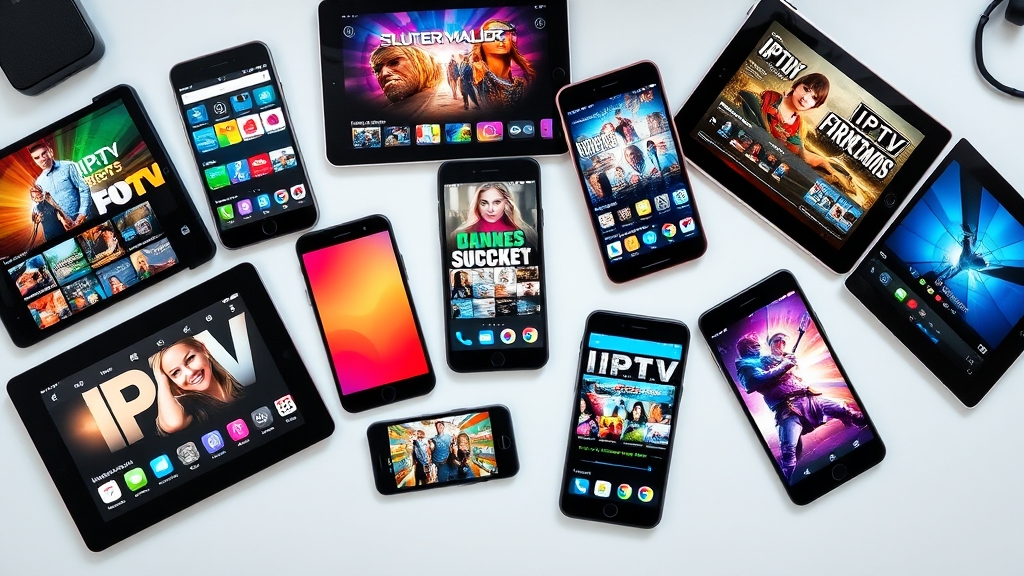
Your IPTV service is only as good as the app you use to watch it. The right player can make the experience feel like a premium cable box, while the wrong one turns it into a frustrating mess of buffering, broken menus, and missing channels. In 2026, Canadian IPTV users have more app choices than ever. Here is an honest breakdown of the five best IPTV apps, what each one does well, and which one is right for you.
What to Look For in an IPTV App
Before diving into specific apps, here is what separates a good IPTV player from a bad one. First, Xtream Codes API support — this login method gives you organized channel categories, EPG data, VOD access, and catch-up TV in one clean package. Second, a proper EPG (Electronic Program Guide) that displays current and upcoming programs in a familiar grid format. Third, favourites management so you can pin your most-watched channels for quick access. Fourth, stability — the app should not crash during a Leafs overtime or buffer constantly during prime time.
1. IPTV Smarters Pro
Platforms: Android, iOS, Firestick, Windows, Mac, Smart TV
IPTV Smarters Pro is the most widely used IPTV app in Canada and the default recommendation from most providers. Its popularity is earned — it supports Xtream Codes login and M3U playlists, has a clean interface with live TV, movies, and series sections clearly separated, and works on virtually every device you own.
Pros: Universal compatibility across all major platforms. Easy setup — enter your credentials and you are watching in under a minute. Supports multiple profiles, so different family members can have their own favourites. The EPG works well and loads quickly. Parental controls are available for households with children.
Cons: The interface, while functional, looks a bit dated compared to newer apps. The built-in video player is adequate but not exceptional — switching to an external player like MX Player can improve playback on some devices. The app has not received major UI updates recently.
Best for: Users who want a reliable, no-fuss app that works on every device. If you are new to IPTV, start here.
2. TiviMate
Platforms: Android, Firestick, Android TV
TiviMate is the enthusiast's choice and many experienced IPTV users consider it the best player available. Its TV-optimized interface presents a beautiful EPG grid that feels like a modern cable guide. Channels appear on the left, programming schedules stretch across the top, and switching between channels is butter-smooth.
Pros: The best EPG presentation of any IPTV app, period. Incredibly fast channel switching. The Premium version supports recording to external storage, multiple playlists, catch-up TV, and a customizable interface. Regularly updated by an active developer. Minimal buffering thanks to efficient stream handling.
Cons: Not available on iOS — Android and Fire OS only. The free version is limited (one playlist, no recording, restricted customization). Premium costs about $7 per year, which is reasonable but still an extra expense. No Mac or Windows version.
Best for: Android and Firestick users who want the best possible viewing experience and do not mind paying a small premium for it.
3. GSE Smart IPTV
Platforms: Android, iOS, macOS
GSE Smart IPTV is the go-to choice for iPhone and iPad users in Canada. It is one of the few quality IPTV players available on the Apple App Store, and it handles both M3U playlists and Xtream Codes API connections. The interface is mobile-first, designed for touch screens rather than TV remotes.
Pros: Available on iOS, which immediately sets it apart for Apple users. Supports Chromecast for casting to your TV. Built-in subtitle support for VOD content. Handles multiple playlists simultaneously. The EPG works well on both phone and tablet layouts.
Cons: The interface can feel cluttered, especially on smaller phone screens. Not optimized for TV use — it works on Apple TV but the experience is better on a phone or iPad. Occasional stability issues after iOS updates. Setup is slightly more complex than Smarters Pro.
Best for: iPhone and iPad users who want to watch IPTV on their Apple devices. Also a solid choice for Mac users.
4. Perfect Player
Platforms: Android, Firestick, Android TV
Perfect Player has been around longer than most IPTV apps, and it has a dedicated following among users who prioritize customization. The interface is minimalist — no flashy graphics, just a clean list of channels and a functional EPG. What it lacks in visual polish, it makes up for in reliability and configurability.
Pros: Extremely lightweight and fast, even on older devices. Highly customizable — you can tweak everything from EPG appearance to stream buffer settings. Rock-solid stability with very rare crashes. Low resource usage means it runs smoothly on budget Firesticks and older Android boxes.
Cons: The interface looks utilitarian at best. No built-in VOD or series section — it is primarily a live TV player. Setup requires manual configuration of playlist URLs and EPG sources. Not available on iOS. The learning curve is steeper than other apps.
Best for: Tech-savvy users who prioritize performance and customization over aesthetics. Great for older devices that struggle with heavier apps.
5. XCIPTV
Platforms: Android, Firestick, Android TV
XCIPTV is a newer entrant that has gained traction in the Canadian IPTV community for its modern interface and strong Xtream Codes support. It borrows design ideas from both TiviMate and Smarters Pro, aiming for a middle ground between visual appeal and ease of use.
Pros: Modern, clean interface that looks good on TVs and tablets. Fast EPG loading and smooth channel switching. Supports multiple connections and user profiles. Active development with frequent updates. Good balance of features without overwhelming new users.
Cons: Smaller user community means fewer online guides and troubleshooting resources. Occasional bugs in newer releases, though the developer patches quickly. Not available on iOS. Less established than the other apps on this list.
Best for: Android and Firestick users looking for a fresh alternative to Smarters Pro with a more modern interface.
Head-to-Head Comparison
For EPG quality and live TV experience, TiviMate wins handily. For cross-platform support including iOS, GSE Smart IPTV is your only real option. For sheer reliability and universal compatibility, IPTV Smarters Pro remains the safe choice. For maximum performance on limited hardware, Perfect Player is unbeatable. And for users who want a modern-looking app without TiviMate's complexity, XCIPTV fills that niche well.
Which App Should Canadian IPTV Users Choose?
If you watch primarily on a Firestick or Android TV box in your living room, install TiviMate. The EPG grid and channel switching speed make the biggest difference on a TV screen. If you split time between your phone, tablet, and TV, IPTV Smarters Pro's cross-platform consistency is valuable. If you are in the Apple ecosystem with an iPhone and iPad, GSE Smart IPTV is effectively your only quality option.
Many experienced users actually keep two apps installed — TiviMate for daily TV watching and Smarters Pro as a backup or for VOD browsing. There is no rule that says you have to pick just one.
For detailed installation instructions on your specific device, visit our installation guide. And if you need a subscription to pair with your new app, check our pricing plans to get started.
Ready to Start Streaming?
Join thousands of Canadians enjoying premium IPTV with 19,000+ channels.
Related Articles
 Setup
SetupHow to Set Up IPTV on Amazon Firestick — Step by Step (2026)
Complete walkthrough for installing IPTV Smarters Pro and TiviMate on your Amazon Firestick. From enabling unknown sources to watching live TV in minutes.
Read More Setup
SetupHow to Install IPTV on Samsung & LG Smart TV in Canada
Set up IPTV directly on your Samsung or LG Smart TV using Smart IPTV, SET IPTV, or NET IPTV. No external device needed — just your TV and your subscription.
Read More Guides
IPTV Troubleshooting: Fix Buffering, Freezing & Connection Issues
Buffering and freezing can ruin a good IPTV experience. Here is how to diagnose and fix the most common IPTV streaming issues in Canada.
Read More